Export Automations
Select and export one or more automations to a JSON file for backup or transfer.
On this page
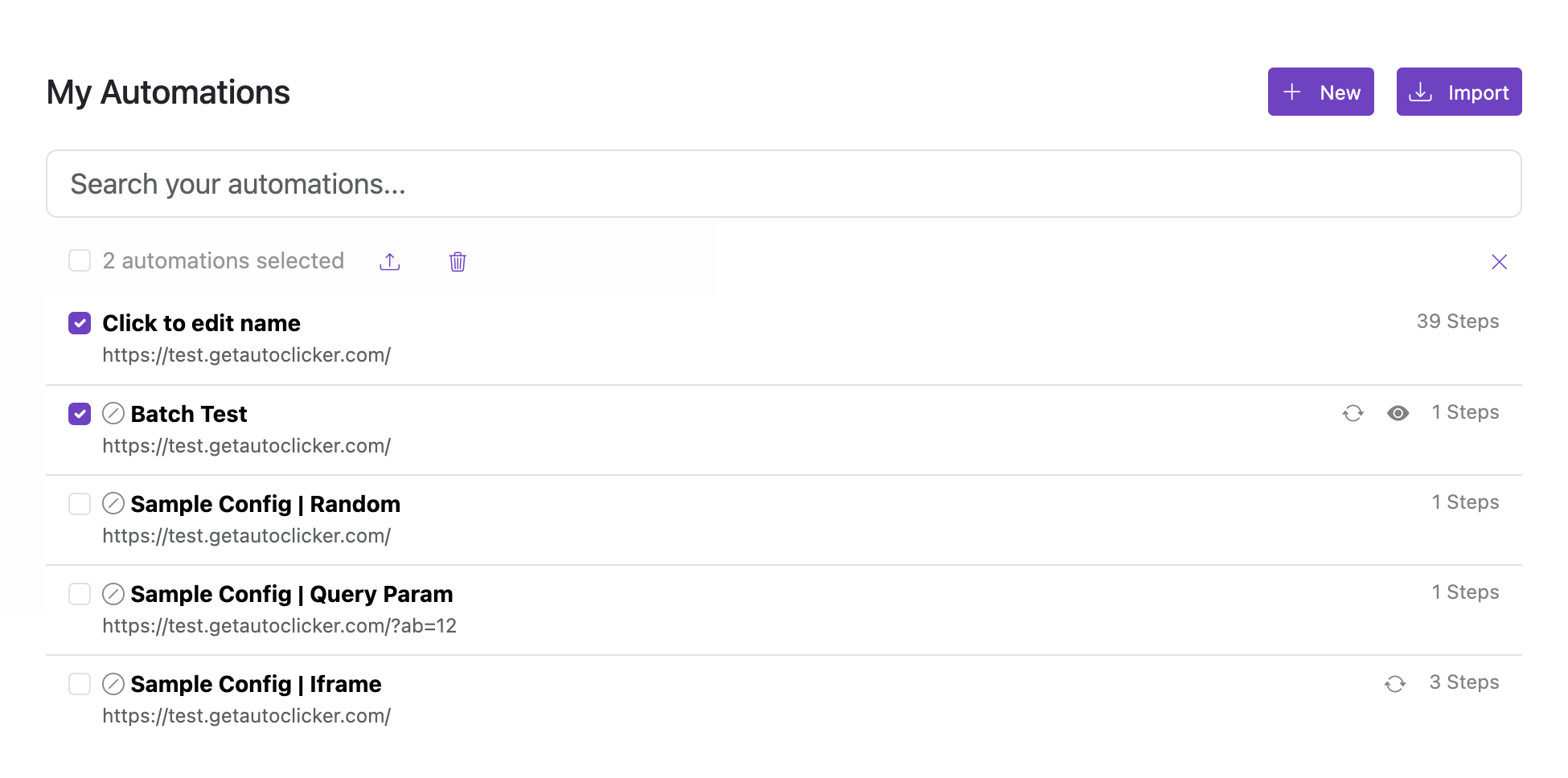
Export one or more automations to a JSON file for backup or transfer to another browser profile.
Steps
- Use the checkboxes next to each automation to select the ones you want to export.
- Use Select all to select every automation at once.
- Click Export selected to download the selection as a JSON file.
Notes
- The exported file contains only the selected automations.
- The JSON file can be restored using Import.
- Imports merge into your existing list; duplicates may occur if the same automation already exists.