Added in v3.1.9View on GitHub
Reorder Automations
Change the order of automations to control which one runs first when multiple items match.
On this page
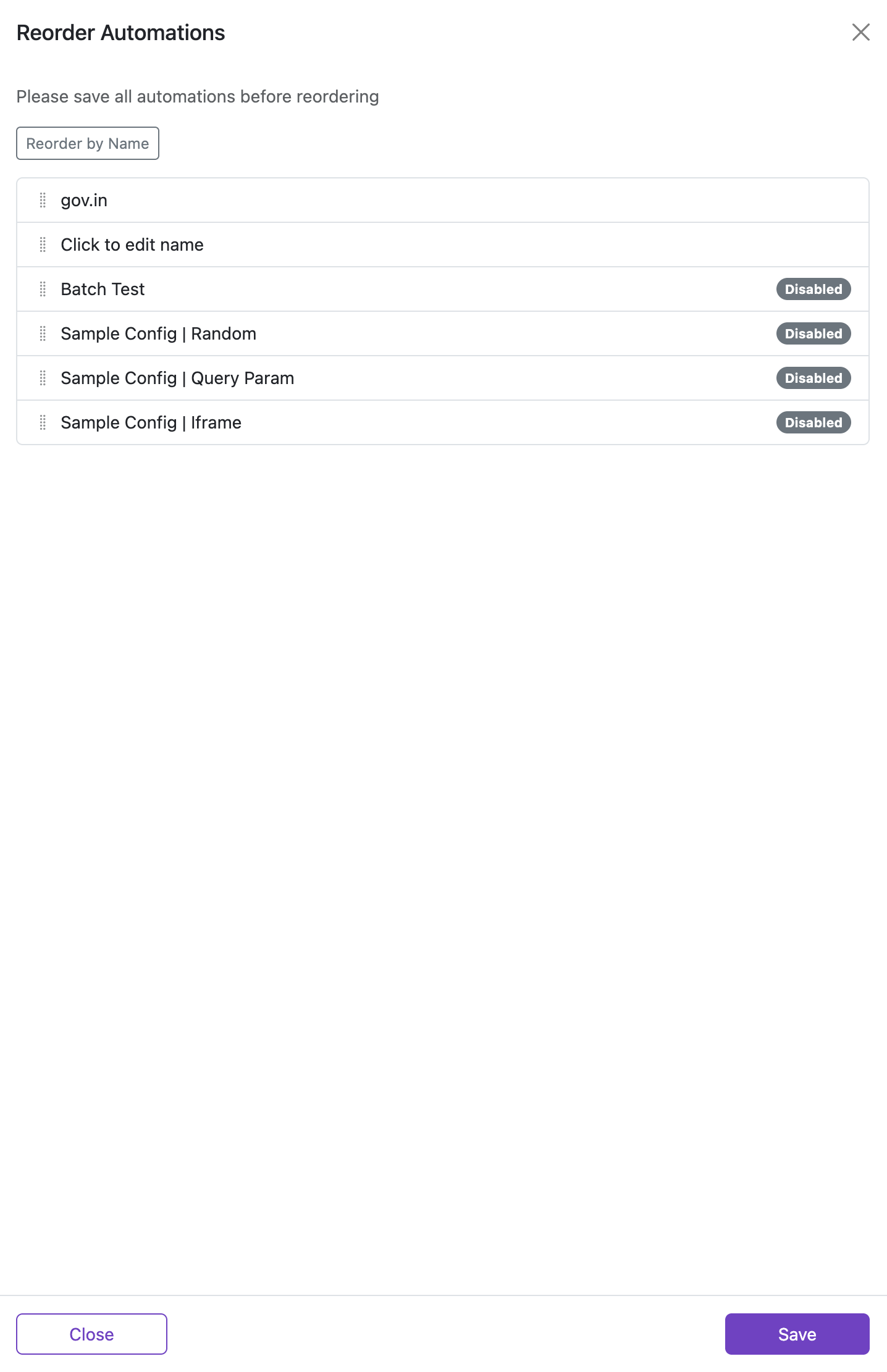
Priority matters: when multiple automations match the same URL, the first match in the list wins.
Steps:
- Click
Reorderfrom the My Automations screen. - Drag and drop items to adjust their order.
- Click Save to apply changes, or Close to discard.