Remove Automations
Select and remove one or more automations at a time.
On this page
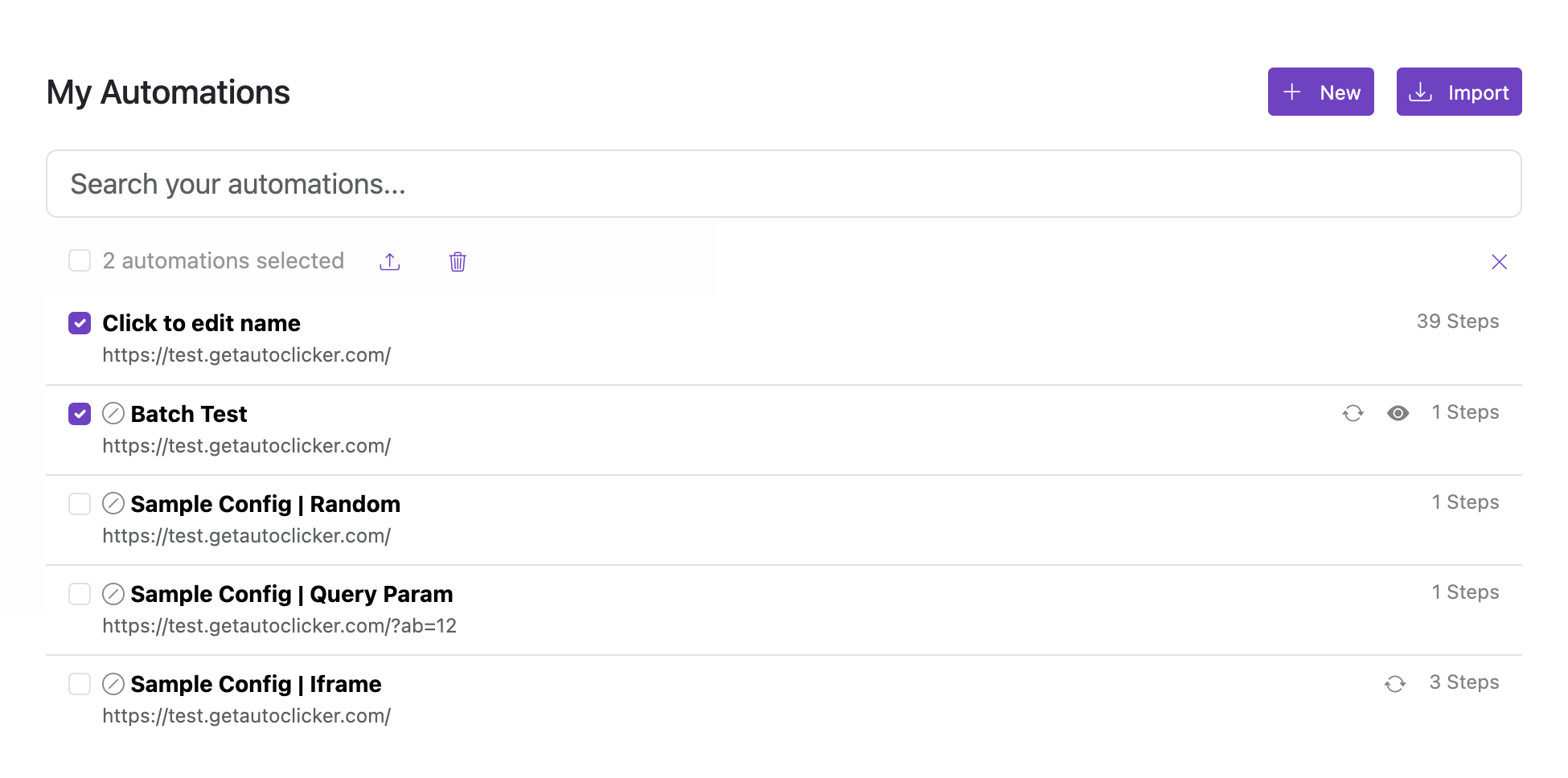
Select one or more automations and remove them in a single action.
Steps
- Use the checkboxes next to each automation to select the ones you want to remove.
- Use Select all to select every automation at once.
- Click Delete selected and confirm the deletion.
Removal is permanent. Export your automations first if you want a backup.