Added in v3.2.0View on GitHub
Query Param
Fetch values passed in url of web page and use same to fill the forms.
On this page
Try it yourself: download the query-param.json example automation, import it via Automations → Import, then open test.getautoclicker.com to watch it run.
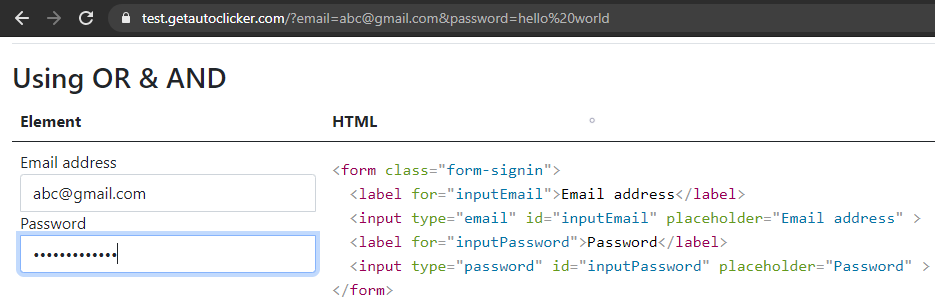
Watch the URL query params fill the form (the test-page link already includes ?username=john&name=John&city=Paris).
Action
| Element Finder | Value |
|---|---|
Supported Patterns
| Pattern | Description | Example |
|---|---|---|
Query::param | Replace with the value of query parameter param from the URL. If not found, the value stays unchanged (Query::param). | Query::userId → 123 (if ?userId=123 in URL) |
<query::param> | Replace all occurrences of <query::param> with the value of query parameter param from the URL. If a param is missing, the placeholder resolves to the key itself. Useful for templates. | Hello <query::name>! → Hello John! (if ?name=John in URL) |
Usage
Use Query::param for single value replacement, and <query::param> for replacing within a string or template.