Added in v5.0.5View on GitHub
Settings · Migration Backup
View, download, or restore local snapshots captured automatically before schema migrations.
On this page
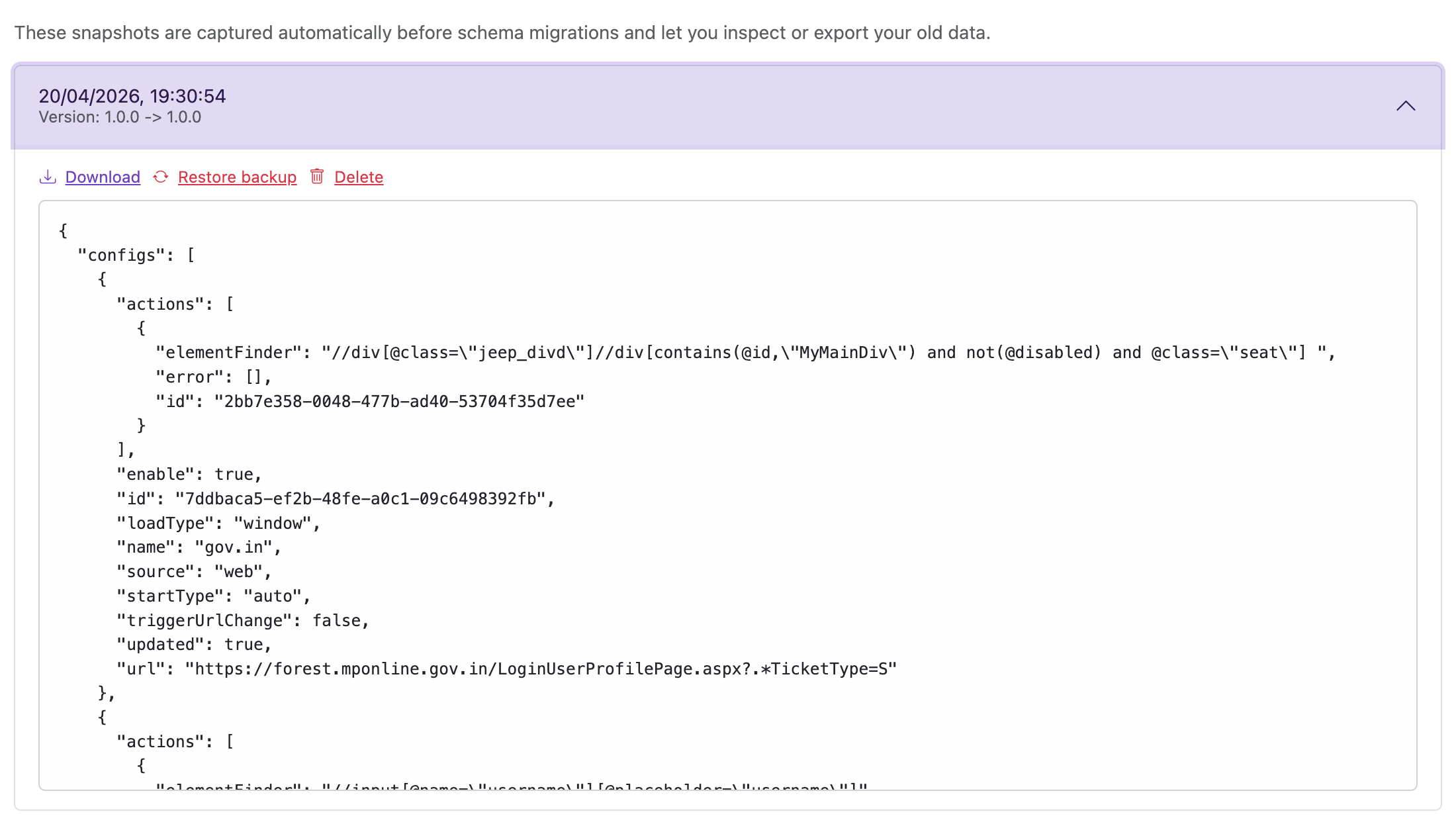
When the extension updates and applies a storage schema migration, it automatically creates a local snapshot of your pre-migration data.
- Open Settings → Migration Backup to view these snapshots.
- You can inspect the stored JSON, download it, or restore your current local automations and settings from a selected snapshot.
- The extension keeps the newest snapshots and rotates older ones automatically.
- Restoring a snapshot overwrites your current local data — the options page asks for confirmation first.
| Action | Description |
|---|---|
| Download | Export the snapshot as a JSON file. |
| Restore backup | Replace your current local automations and settings with this snapshot. |
| Delete | Remove this snapshot permanently. |