Added in v5.0.5View on GitHub
Settings · Cloud Backup
Back up and restore your automations to Google Drive (App Data folder)
On this page
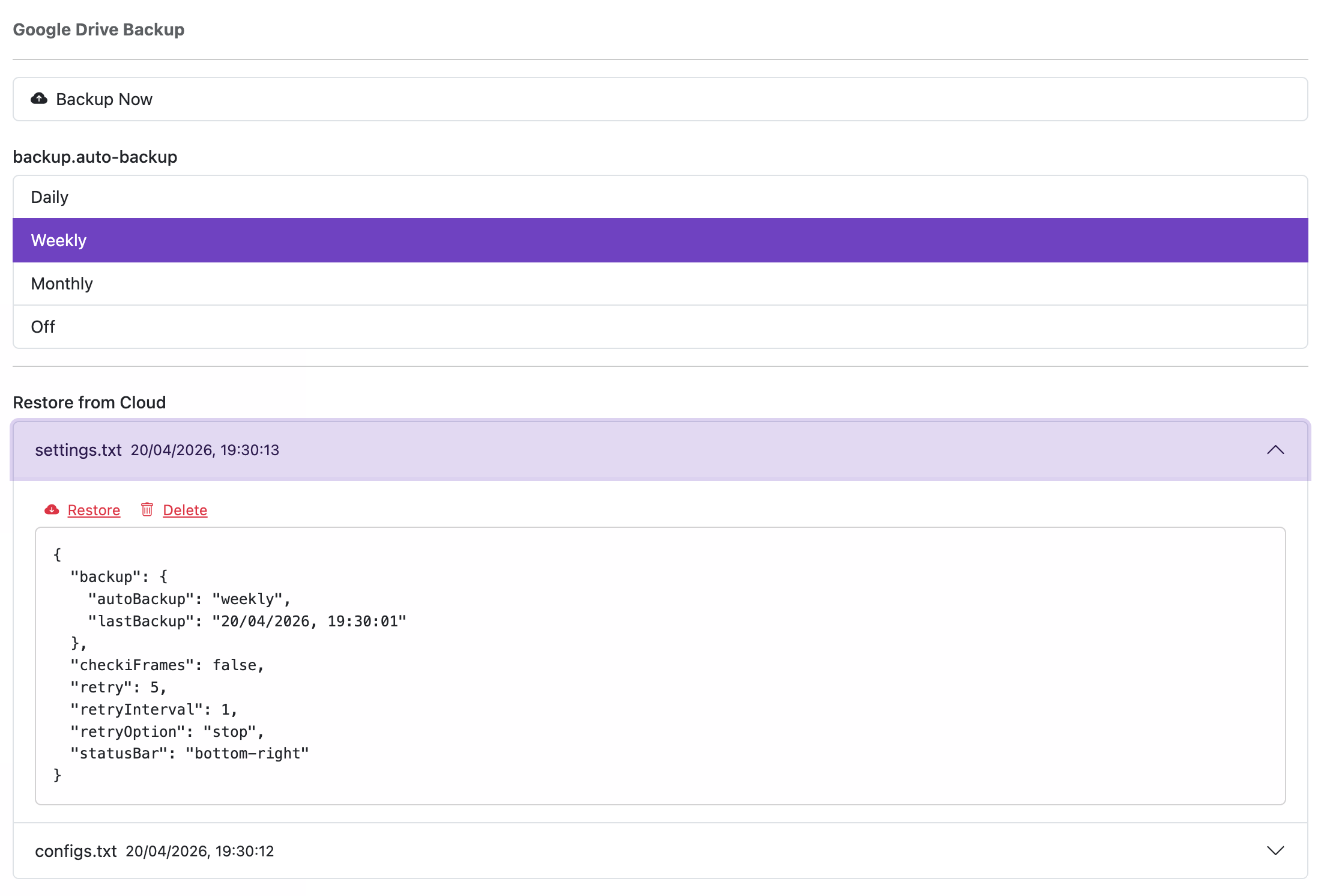
Backups use your Google Drive’s App Data folder, which is private to the extension. This requires the https://www.googleapis.com/auth/drive.appdata scope.
Important
- The App Data scope does not grant access to your entire Drive; it only allows storing data in an application‑specific folder.
- On first backup, the extension requests permission and then securely uploads your automations and settings.
You can review or revoke access under Google Drive Settings → Manage Apps: https://drive.google.com/drive/u/0/settings
Cloud Backup Option
- Backup Now: Immediately back up your current automations and settings.
- Auto Backup:
- Daily: Back up once per day.
- Weekly: Back up once per week.
- Monthly: Back up once per month.
- Off: Disable automatic backups.
Restore from Cloud
Restoring replaces your existing automations and settings with the latest backup from Google Drive. This action cannot be undone.