Added in v2.0.57View on GitHub
Step · Columns Filter
Show or hide optional columns in the Steps table to reduce clutter. This changes only the view, not behavior.
On this page
Show or hide columns in the Steps table
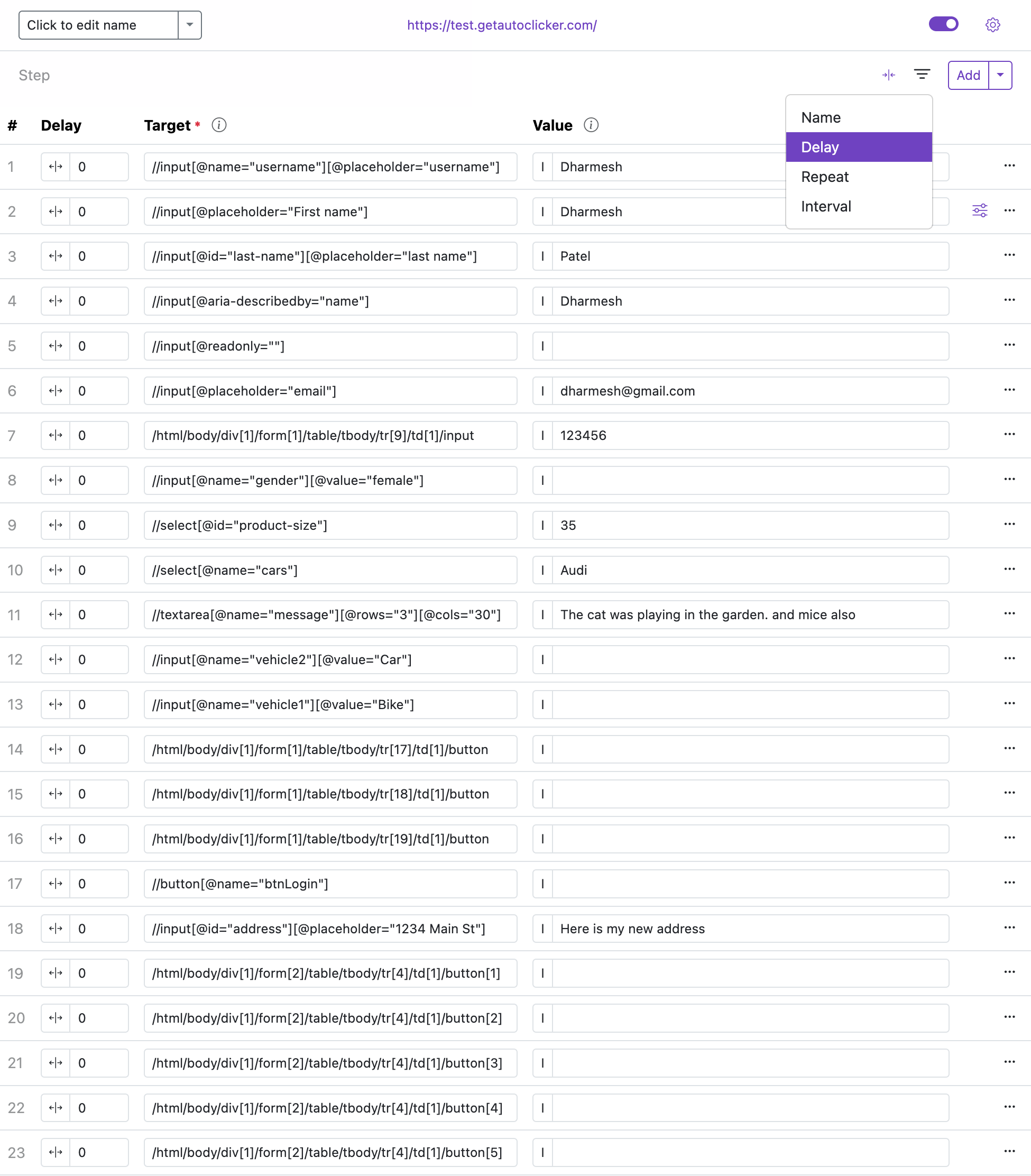
Use the Columns Filter to toggle visibility of optional step columns. This helps keep the table focused while you edit. Hiding a column does not disable the feature; it only changes what is visible.
Notes:
- By default, these optional columns are hidden to reduce clutter.
- Values remain active even when a column is hidden. Reveal a column when you need to view or edit it.
Available columns
- Name — show or hide the step name column for easier identification.
- Delay — toggle visibility of the delay column for steps.
- Repeat — show or hide the repeat count column to control step loops.
- Interval — toggle the interval column to manage delays between repeats.