Improved Logging System
We’ve improved logging to visualize the end‑to‑end flow and quickly pinpoint issues when something breaks.
It tracks all steps from Automation → Loop → Step → Event.
Step and Loop are grouped for clarity. Collapse or expand groups to focus on what matters.
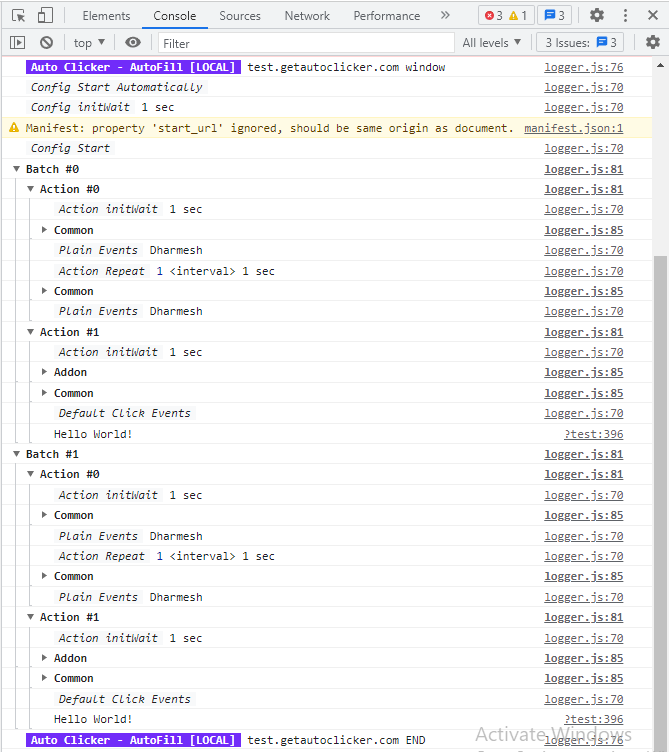
To see logs follow below steps
Option + ⌘ + J (macOS)Shift + Ctrl + J (Windows/Linux) or F12- Open
Console Tab
- Search
Auto Clicker - AutoFill to filter out other logs
- Choose
Verbose under All levels