Import Automations
Import one or more automations from a JSON file into your list.
On this page
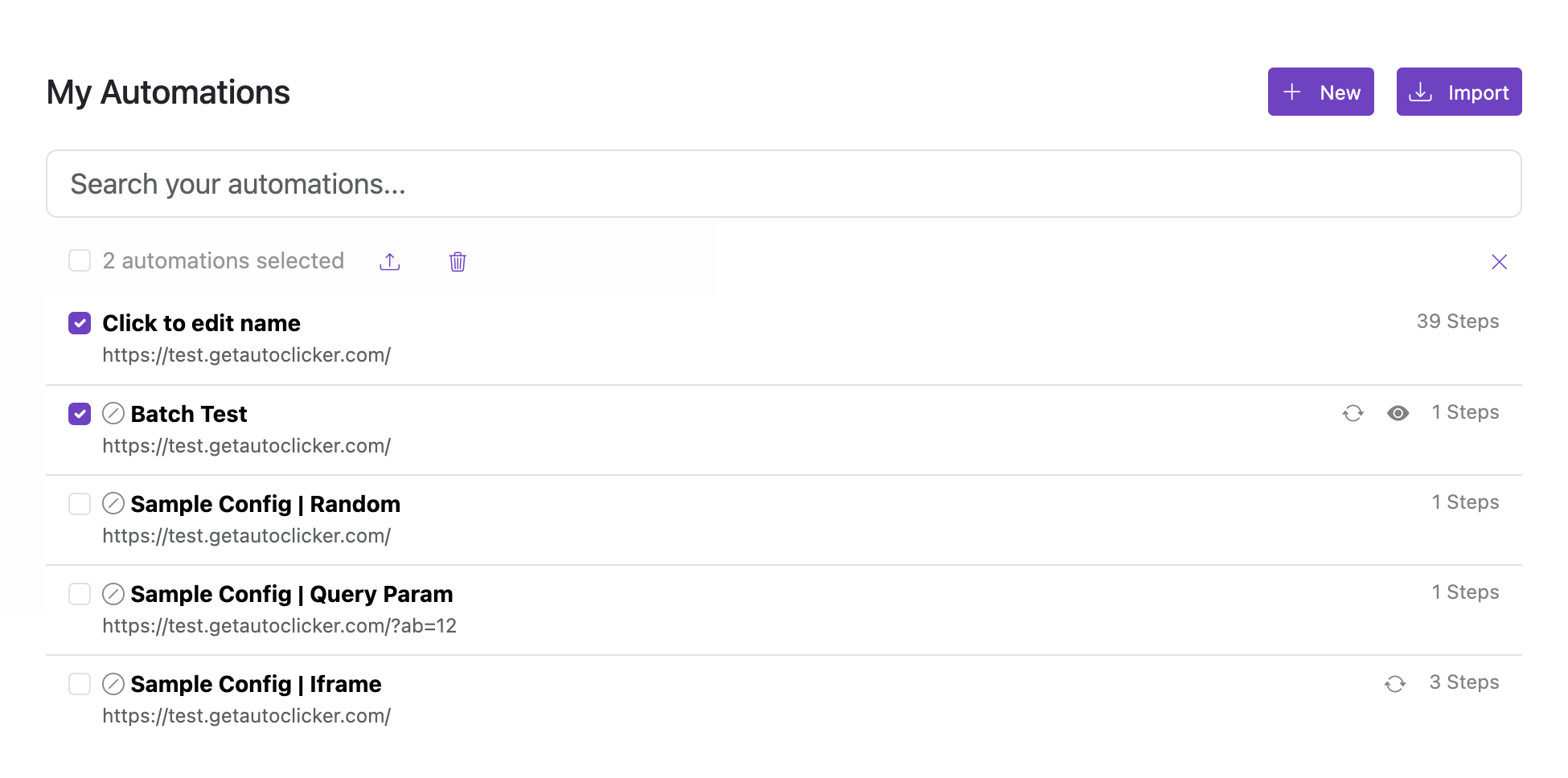
Import automations from a JSON file. The importer handles both single automations and files containing multiple automations — no separate flow is needed.
Supported files
- A single automation exported from the options page (single-object JSON).
- A file from Export containing multiple automations (array JSON).
What happens during import
- Automations from the file are added to your existing list.
- The file type is detected automatically — arrays and single objects are both accepted.
- Imports merge on top of existing automations; duplicates may occur if the same automation is already in your list.
Keep a backup of your current list before large imports.